Project management
Budgets that tell you
before, not after.
Sections, tasks, rates and a live budget on every job — so the overspend conversation happens while there's still time to have it.
Projects
Wish Agency · £124,350 committed this quarter
Switch the tabs — this is the real screen
6 of 6 projects shown
1 project over budget
How it works
Price it, split it, watch it
-
01
Price the job
A fixed fee, a block of hours, or a budget per section. The client's rate card is already applied.
-
02
Break it into sections
Discovery, design, build. Assign the tasks, set the dates, and let people log time against the right one.
-
03
Watch the bar
Every approved hour moves it. At 80% it turns amber; past 100% it goes red and says by how much.
The whole list
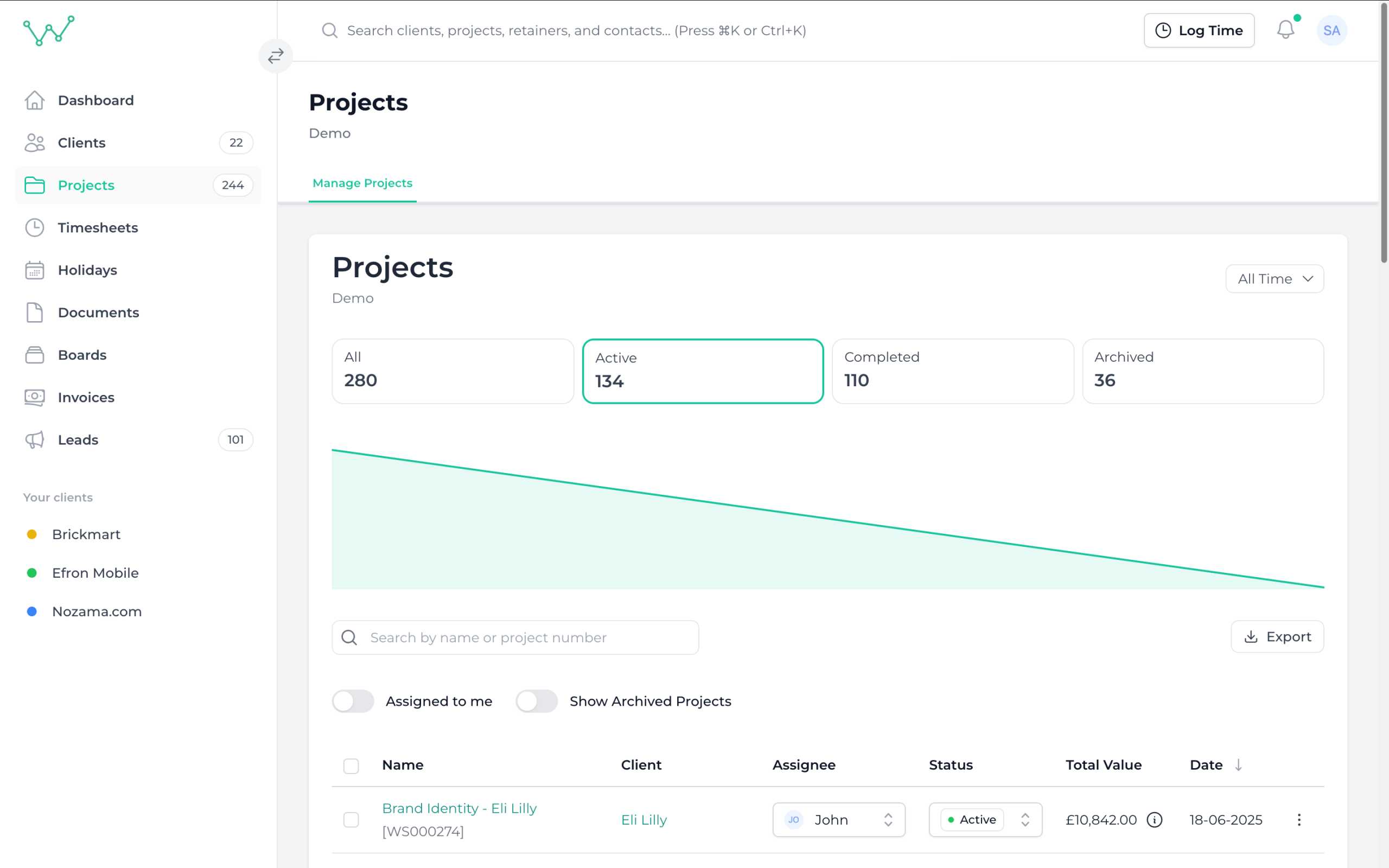
Every job, filtered how you think
Active, completed, archived; by client, by owner, by date. Then export exactly the view you built.
-
Sections and tasks. Break a job into stages and track it without opening a second tool.
-
Rates that follow the work. Client rate card by default, per-project override when the job is priced differently.
-
One-click export. Any filtered view straight out to CSV for the board pack.
Budget in money or hours
Price a job as a fixed fee, a block of hours, or both. The bar reads the same either way.
Overspend is loud
A project crossing its budget flags on the dashboard that morning, not in a report written three weeks later.
Projects come back
Reopen an archived job and its budget, tasks and history are intact. Agency work rarely finishes when the invoice does.
- Length
- 30 days, every single feature unlocked
- Card
- Not required — and no auto-charge at the end
- Setup
- Import clients and projects from a spreadsheet
- After
- Monthly, per seat. Cancel whenever you like